THE BIRTHDAY DROP
A gift with a little more personality.
Start with their name, the milestone, and one habit everyone loves them for.
“Maya turns 30. Brunch captain, terrible navigator. Keep it affectionate.”
Put your people in the spotlight. Choose a scene, bring your photos, and shape a rap moment around your own story.
Sign in before starting a generation. Sign in ↗
Give the session a name, a memory, or a mood. You can leave this blank.0/120
The generation service is waiting for its API token.
Photos are uploaded to private storage and sent to Replicate when you generate. Credits are deducted on submission and returned if generation fails. Preview & credits
Booth Buddies uses English lyrics. Language results may vary in other scenes.
Your camera roll is the cast. Pick a scene below to start your session.
Preview a look. Then make it personal.
The scene collection
A booth session, a birthday surprise, or a little main-character energy.
The collection is just getting started. Explore the current scenes and find your next idea.
Your next session starts here.A SESSION IN THREE STEPS
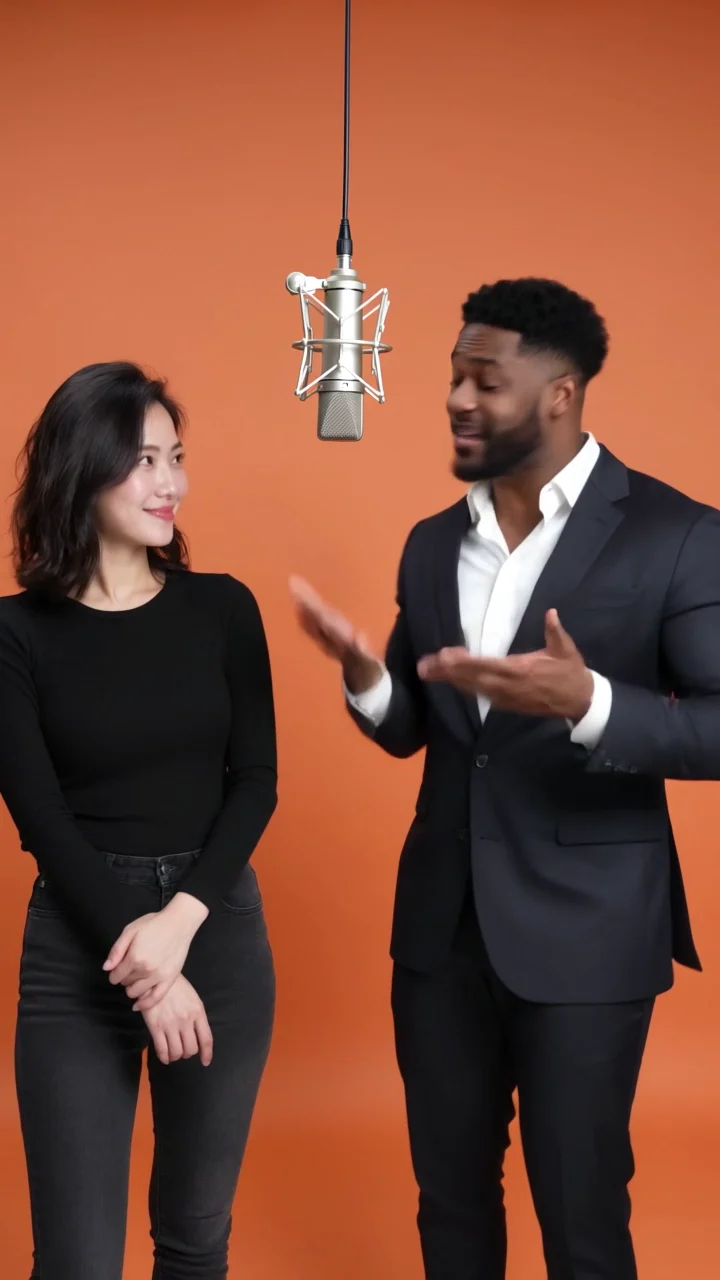
A booth for a duet. A party for a birthday. Explore the scene concepts and choose the setting that fits your idea.
Add two clear portraits, one for each person. Keep one consenting adult clearly visible in each photo.
Try a name, a shared memory, or a playful line as your story idea. Review the setup before your next take.
A FEW OPENING LINES
The best starting point for a Rapstar AI session is something that sounds like you. Here are three ways to shape your idea.
THE BIRTHDAY DROP
Start with their name, the milestone, and one habit everyone loves them for.
“Maya turns 30. Brunch captain, terrible navigator. Keep it affectionate.”
THE FRIEND FEATURE
Build a verse around a trip, a running joke, or how you met.
“Two roommates, one tiny kitchen, a legendary midnight noodle habit.”
THE SHARED MILESTONE
Celebrate a new beginning or a small win with someone who shares the story.
“Two friends, their first week in a new city. Big plans, two suitcases, zero sense of direction.”
BEFORE THE FIRST TAKE
You do not need a studio portrait. A clear, everyday photo gives your session a useful visual reference.
Choose one person looking toward the camera. Avoid cropped foreheads or faces hidden behind a phone.
Soft daylight makes a useful starting point. Sunglasses, strong filters, and deep shadows hide details.
A waist-up portrait gives more context than a tiny headshot. Pick a look you would enjoy seeing on stage.
Use JPG, PNG, or WEBP under 10 MB. Skip screenshots with interface buttons or several people.
PREVIEW & CREDITS
Credits use the same account balance as your purchases and admin grants.
25 credits / video
A short look at the idea before a full session.
50 credits / video
A complete short take for your feed or your friends.
Generation requires a configured Replicate account. Preview clips also use credits. Purchase options are managed through the account billing page.
CREATE WITH CARE
Choose your own photos or get clear permission from the people pictured. Everyone must be 18 or older.
Avoid harassment, sexual content, hate, or deceptive impersonation. A friendly joke works best when everyone is in on it.
Leave public figures out of the cast. Use audio and images that you have permission to share.
Present the result as a creative AI video. Do not imply a real person performed or endorsed something they did not.
When you start generation, photos are saved privately in Cloudflare R2 and sent to Replicate for processing. Your account and generation history are stored in Cloudflare D1.
THE STUDIO NOTES
The practical details, from your first portrait to your next creative session.
Start with the photo guide ↗Sign in, choose a duo scene and upload two portraits. With enough credits, you can submit a generation. All current templates include English rap vocals and an original beat.
Rap sessions offer themed duets such as birthdays and celebrations. Scene remixes focus on close-up and landscape recording-booth performances. Both include English rap vocals and an original beat.
All current scenes use two portraits, one for each person. Each photo should clearly show one consenting adult.
Try a name, an occasion, and a detail your friends would recognize. “Alex got promoted, still burns toast” gives more personality than “make a birthday rap.”
Yes, when you submit a ready template. The video uses your uploaded portraits. Our original cover images illustrate each scene; your result is generated for your photos.
Yes. Tap a scene, then choose portraits from your camera roll. You can explore the flow in your browser without installing an app.
Credits are checked and deducted when a task is created. A 5-second rap preview costs 25 credits and a full video costs 50. Failed or canceled provider tasks return their credits.
When you start generation, photos are saved privately in Cloudflare R2 and sent to Replicate for processing. Your account and generation history are stored in Cloudflare D1.
Use photos of yourself or adults who gave permission, and audio you have permission to share. Do not use public figures. See the creator guidelines.
Completed videos are saved to private storage. Open My Videos to watch or download them after signing in.
NEXT UP: YOU
Start with a favorite photo and someone who gets your sense of humor. The rest is a studio session away.
Find your scene